
The deliverable
A professional ClaimProof Evidence Package.
One PDF that carries the whole claim — the facts, the findings, the comparisons, the evidence and the limitations.
- Executive summary
- Claim facts
- Key findings
- Quantity comparisons
- Financial comparisons
- Scope comparisons
- Building-code findings
- Permit requirements
- Tax findings
- Xactimate price-book findings
- Documented agreements
- Weather findings
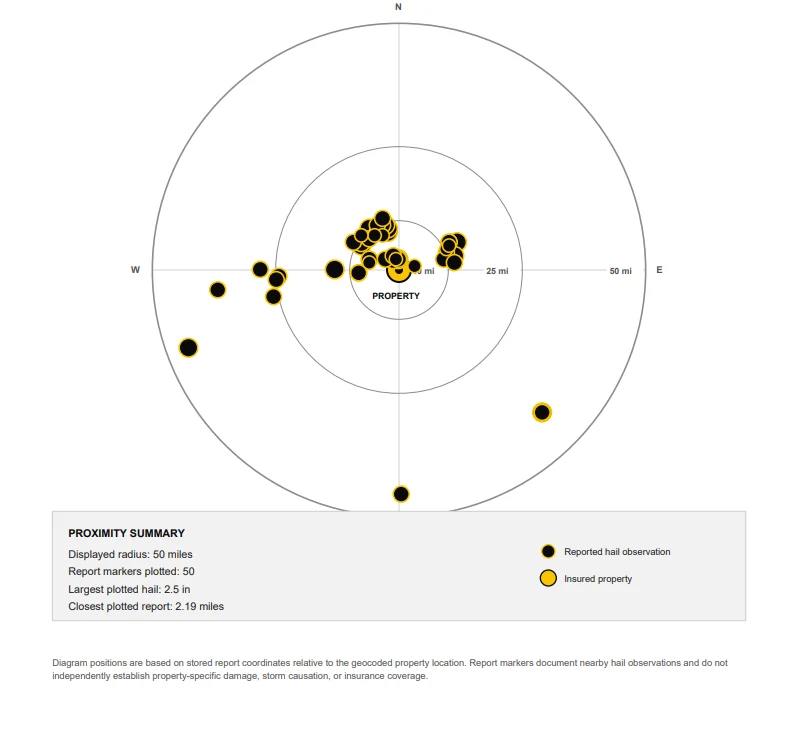
- Hail proximity map
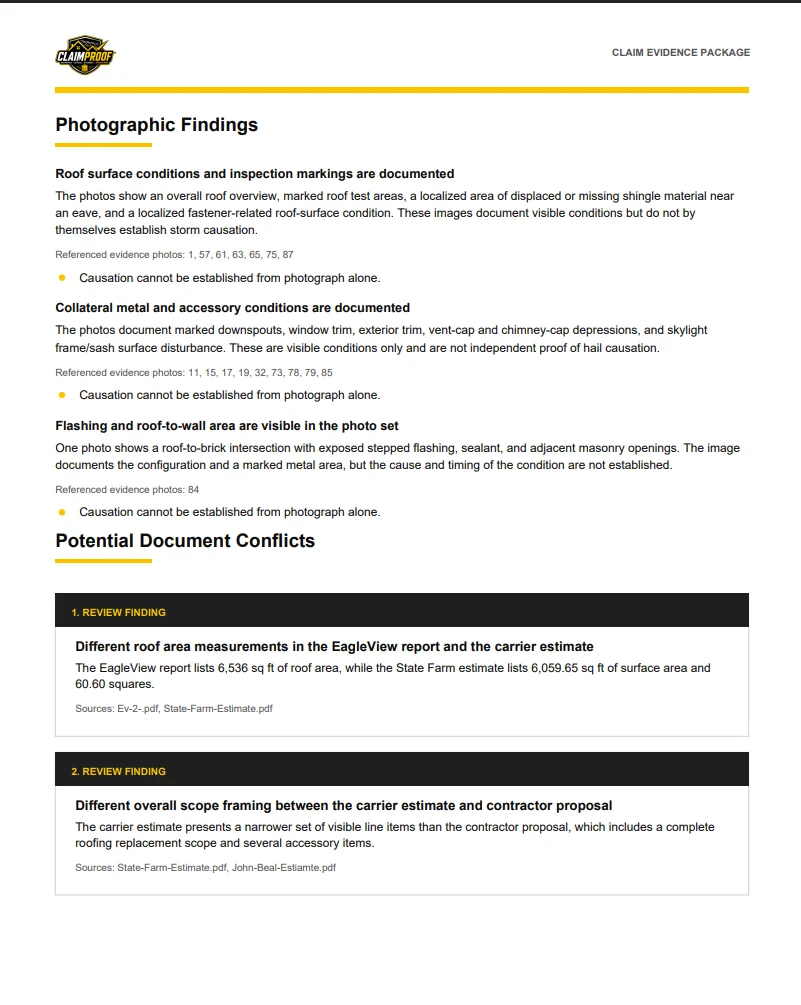
- Photographic findings
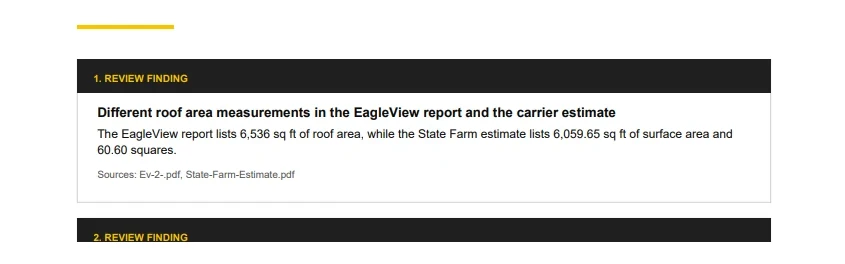
- Potential document conflicts
- Missing or unclear information
- Priority human-review items
- Professional evidence findings
- Limitations
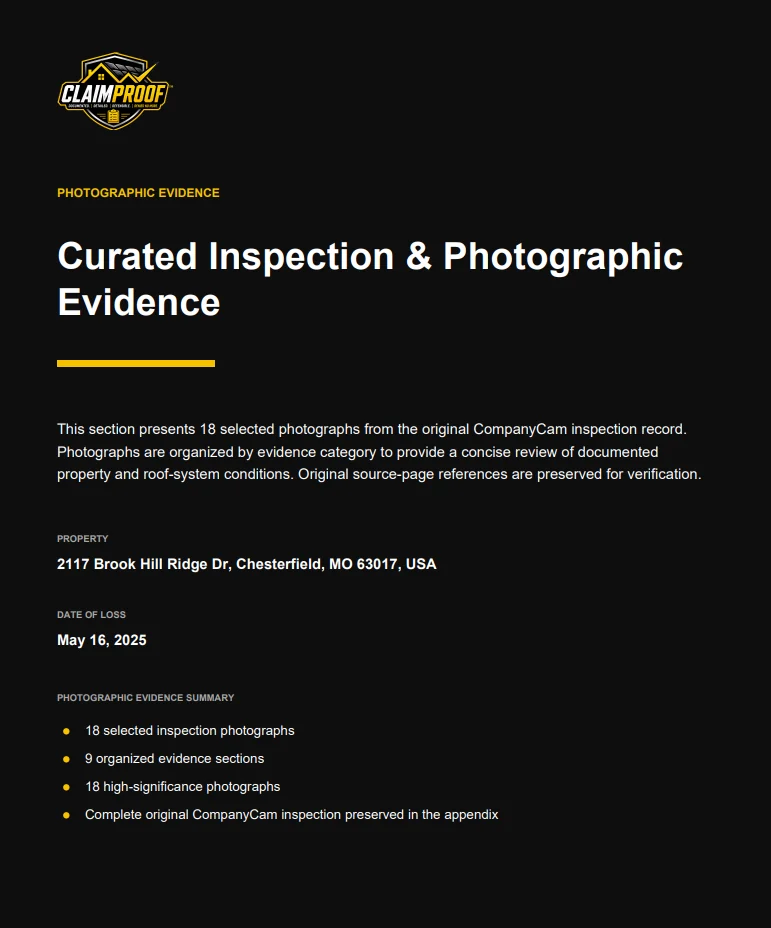
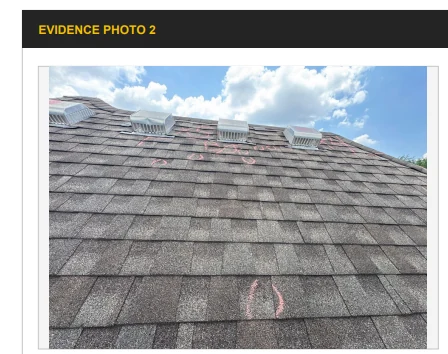
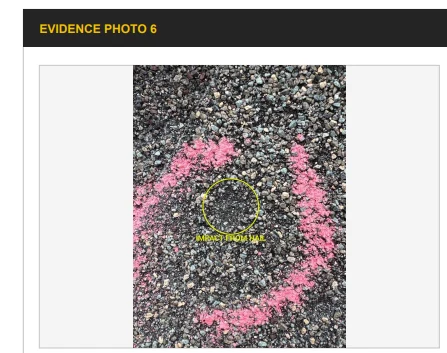
- Curated photographic evidence
- Original inspection documentation
Photographic evidence intelligence
Photographs handled as evidence, not as attachments.
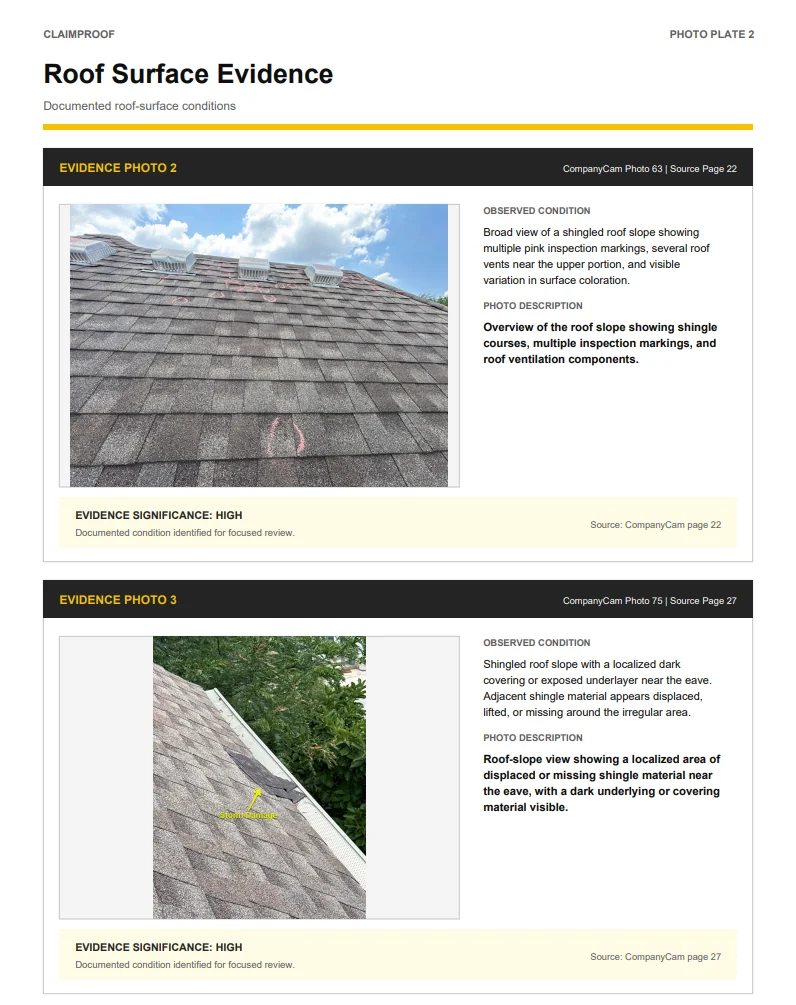
ClaimProof can process photographs and inspection reports, then curate the strongest evidence into the report.
What the system does
- Extract photographs from PDFs
- Analyze individual photographs
- Identify potentially relevant evidence
- Rank photographs
- Select stronger evidence photographs
- Organize photographs into categories
- Preserve original source references
- Include curated photographs in the final report
- Preserve the complete original inspection report in the appendix
How photographs are grouped
- Roof surfaces
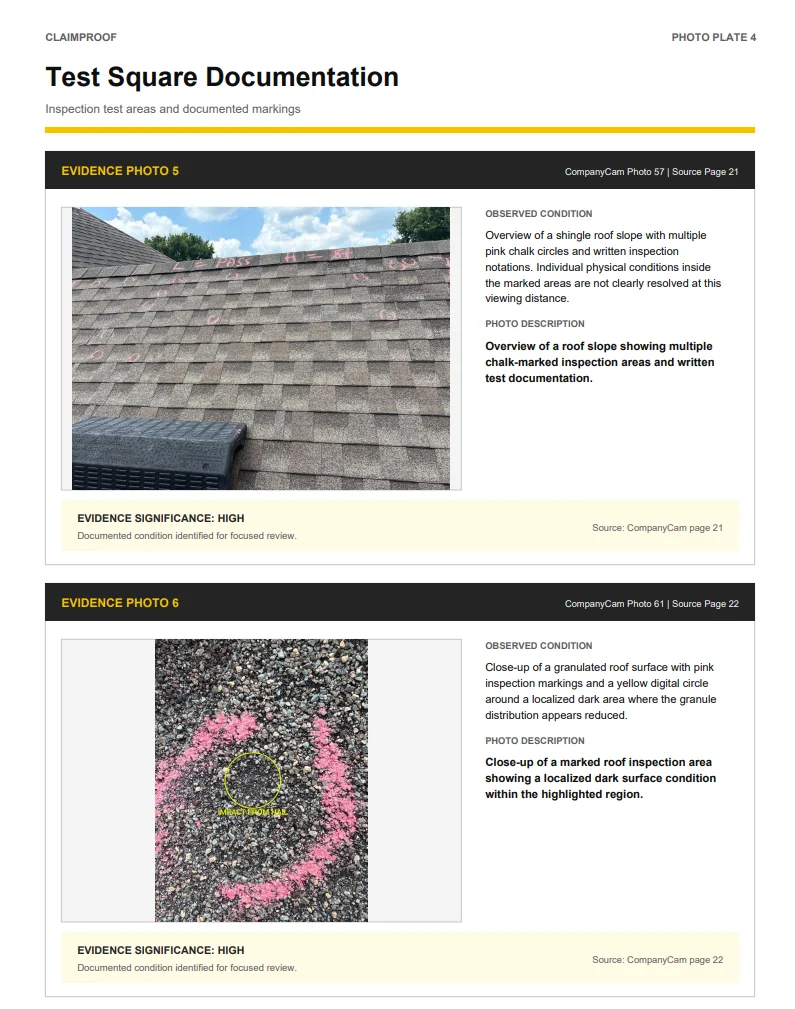
- Test squares
- Collateral / soft-metal evidence
- Flashing
- Roof accessories
- Skylights
- Gutters / downspouts
- Exterior conditions
- General property documentation
Claim findings
What the report puts in front of a reader.
ClaimProof identifies findings across every category it analyzed, and separates what is documented from what still needs a professional eye.
Where documents disagree
- Key findings
- Scope differences
- Quantity differences
- Financial differences
Code, permits and pricing
- Building-code issues
- Permit issues
- Potentially outdated Xactimate price books
- Tax-setting discrepancies
What needs a human
- Document conflicts
- Missing information
- Supporting agreements between documents
- Items requiring verification
- Priority human-review items
Ready-to-send email
The report comes with the email already written.
After the PDF is generated, ClaimProof automatically prepares an email to accompany the report.
The email summarizes what is attached and highlights important findings from the report. Users can copy the email directly from ClaimProof.
FAQ
Questions about this.
What is actually in the report?
An executive summary, claim facts, key findings, quantity, financial and scope comparisons, building-code and permit findings, tax findings, Xactimate price-book findings, documented agreements, weather findings, the hail proximity map, photographic findings, potential document conflicts, missing or unclear information, priority human-review items, professional evidence findings, limitations, curated photographic evidence and the original inspection documentation.
What happens to the original inspection report?
It is preserved in full in the appendix. ClaimProof curates the strongest photographs into the body of the report while keeping the complete original documentation intact with original source references.
Do I have to write the email?
No. ClaimProof automatically prepares an email subject and a professional email body summarizing what is attached and highlighting important findings. You copy it directly out of ClaimProof.
The report
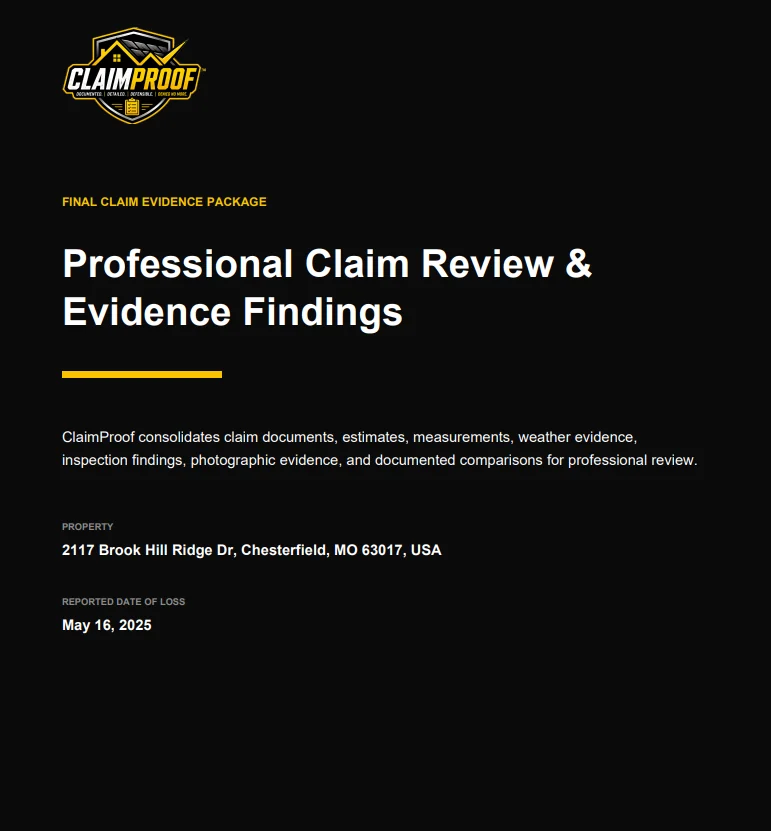
Pages from a real ClaimProof evidence package.
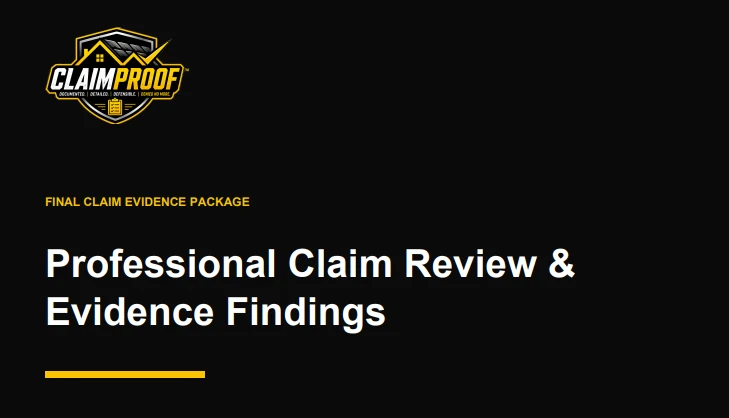
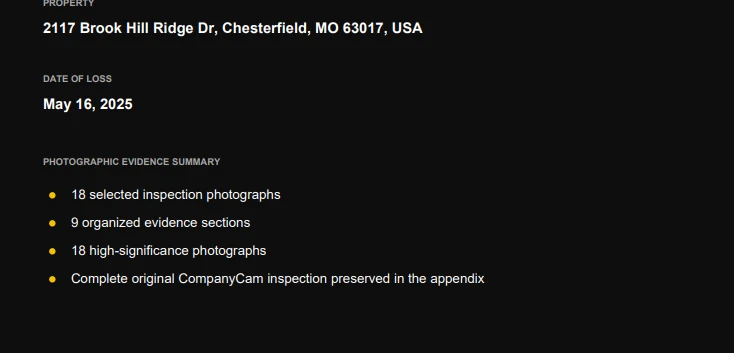
Cover, curated photographic evidence, documented photo plates, and the findings section.
A closer look
The package, page by page.
Field photography, documented findings, and the cover and summary pages of the finished report.
Turn your next claim into evidence.
Book a walkthrough, or request access and start processing claims.